Free website maintenance checklist · 7-page PDF
Free website maintenance checklist for small businesses.
Keep your site fast, secure and up to date. Weekly, monthly, quarterly and yearly tasks, a backups and updates log, security and uptime checks, and a domain and renewals log, in one printable PDF.
- Works for WordPress and most other platforms
- Print it or fill it in on a tablet
- The same list we work through for our care plan clients
Get the free checklist
We’ll email it to you right away.
* Required
We’ll send the checklist, a few short emails with tips, then a weekly email with a useful read on the same topic. Unsubscribe anytime. We never sell or share your email. Privacy policy.
This site is protected by reCAPTCHA and the Google Privacy Policy and Terms of Service apply.
What’s inside
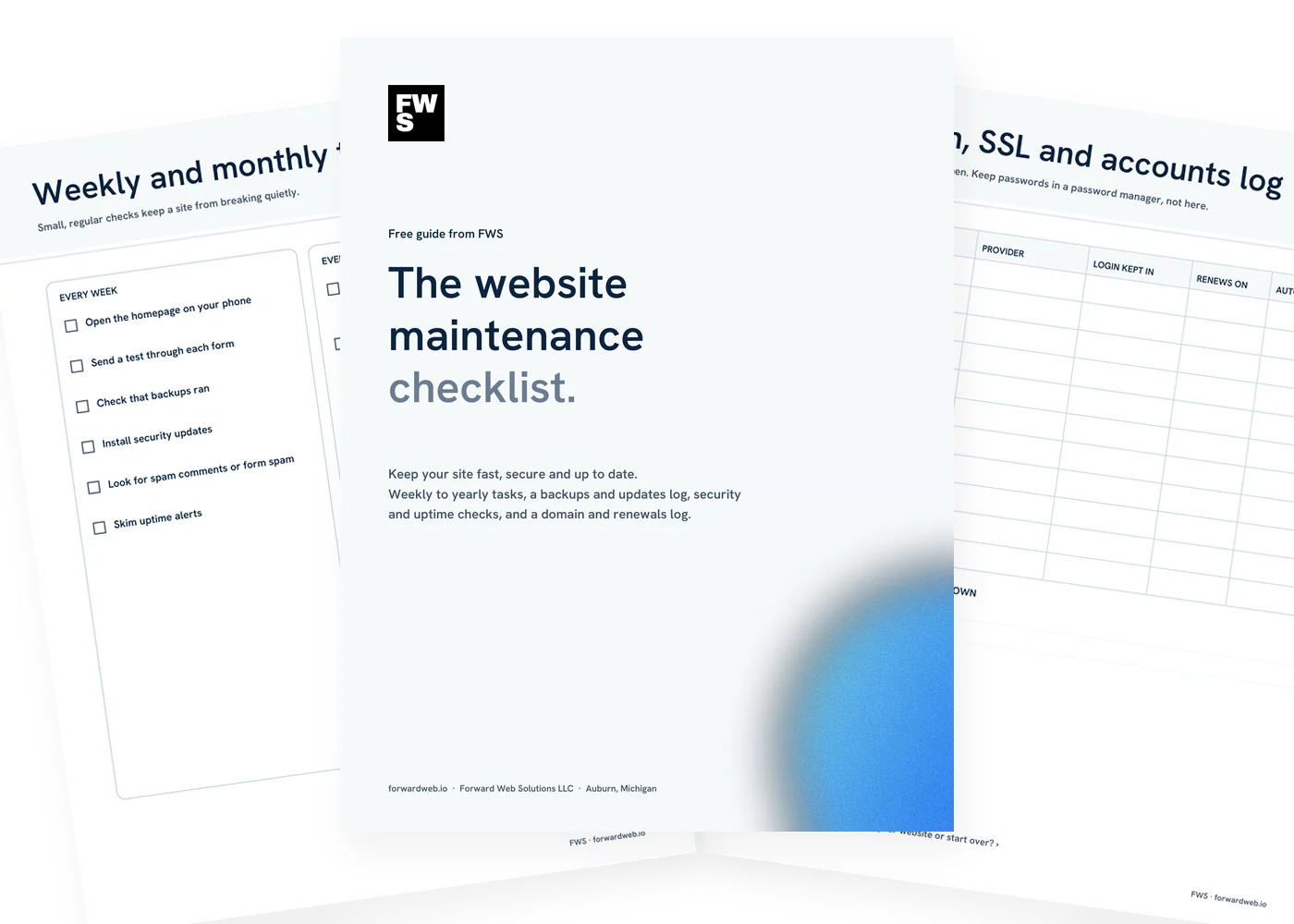
Seven pages. Every task, and a place to log it.

Weekly and monthly tasks
Quick checks that catch problems early: forms, backups, updates and broken links.

Quarterly and yearly tasks
Test a restore, review access, renew the domain and plan what needs a refresh.

Backups and updates log
Write down every change. When something breaks, this is where you start.

Security and uptime
Simple habits that close the most common ways in, plus an incident log.
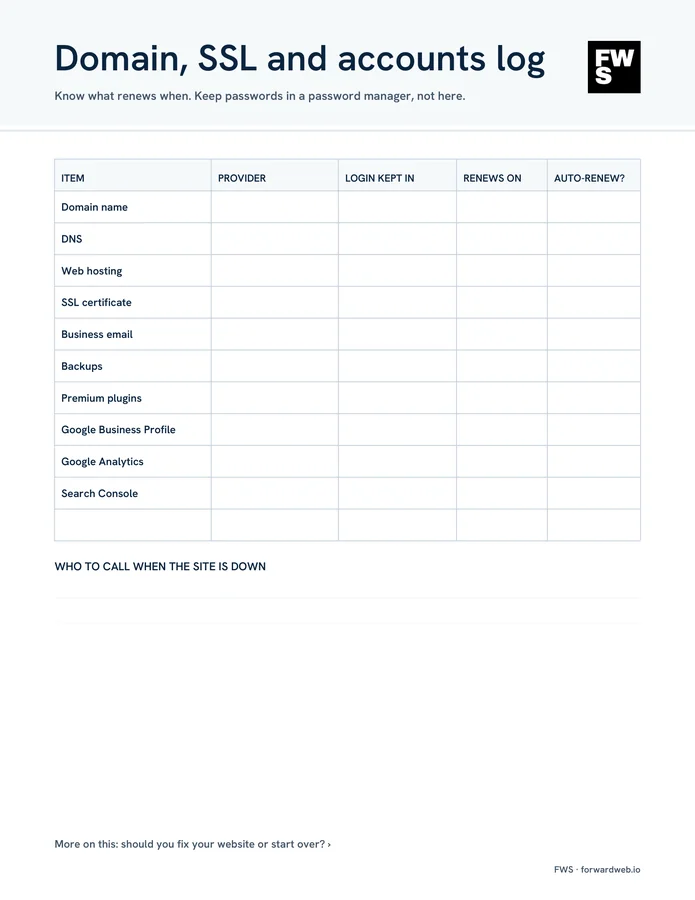
Domain, SSL and accounts log
What renews when, where the logins live and who to call when the site is down.

Help if you want it
Rather hand it off? This is the list our hosting and care plans cover.
The checklist
Website maintenance checklist. Week by week, year by year.
Small, regular checks keep a site from breaking quietly. Here is every task on the checklist and why it’s there.
Every week
Five minutes, mostly looking.
- Open the homepage on your phone Most visitors see it on a phone first, so you should too.
- Send a test through each form Forms fail silently. A test is the only way to know leads still reach you.
- Check that backups ran A backup you didn’t notice failing is no backup at all.
- Install security updates Security fixes are the updates worth not waiting on.
Every month
Updates, then a quick look around.
- Update plugins, themes and the platform Take a backup first, then update, then click through the main pages.
- Check for broken links and errors Google Search Console lists pages it can’t reach.
- Check page speed on mobile Large new images are the most common slowdown.
- Update hours, prices, staff and photos Out-of-date details cost trust and calls.
- Remove plugins you don’t use Every unused plugin is one more thing to update or exploit.
Every quarter
The checks that prove things work.
- Restore a backup to a test copy The only way to know a backup works is to restore it.
- Review who has admin access Remove former staff and contractors.
- Review your privacy policy and cookie banner Make sure they still match the tools your site uses.
- Match your contact details to your Business Profile Same name, phone and hours everywhere.
Every year
Renewals and the bigger picture.
- Renew the domain, or confirm auto-renew And check the card on file. An expired domain takes your site and email down.
- Check SSL and license renewals Certificates, premium plugins and theme licenses.
- Review your hosting plan What it includes, what it costs and whether it still fits.
- Run an accessibility check See how to check your site’s accessibility.
- Export a full copy of the site Keep it somewhere you control, separate from your host.
Backups that actually work
A good backup runs automatically, is stored somewhere other than your web server, and has been restored at least once to prove it works. Keep several days of copies, not just last night’s, so you can go back to before a problem started. Log every update you make, so when something breaks you know what changed.
Who should do this?
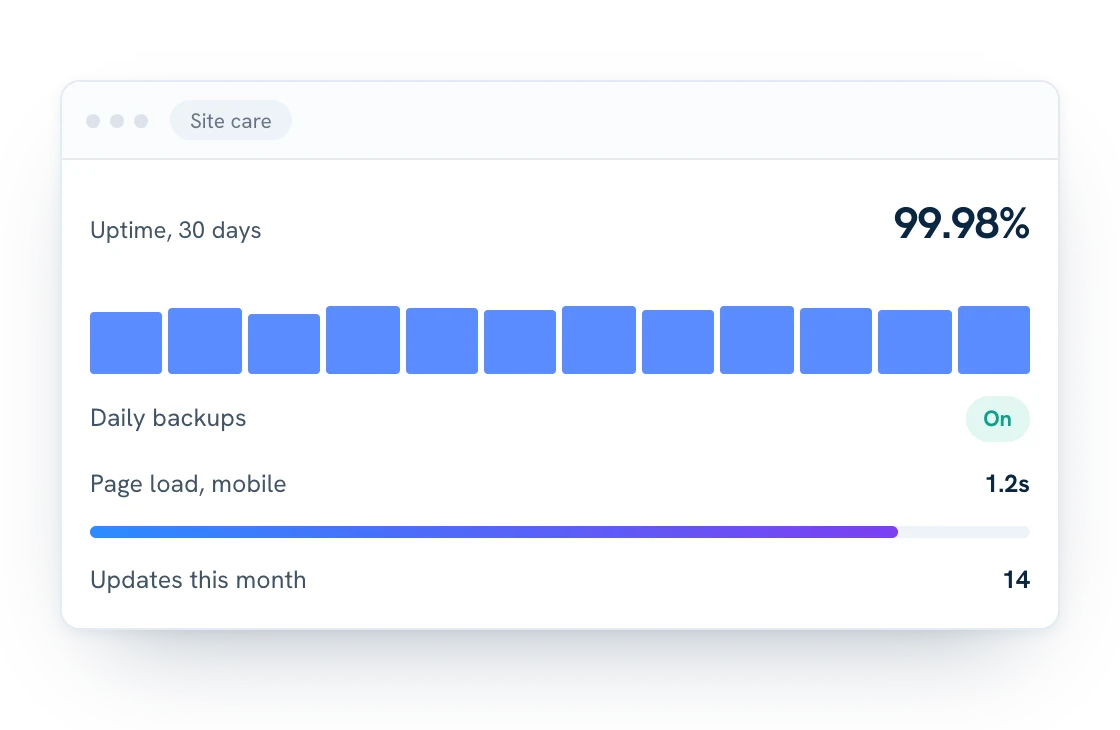
If you’re comfortable in your site’s dashboard, most of the weekly and monthly tasks are manageable yourself. If nobody on your team owns it, that’s usually when sites fall behind. Our hosting and care plans cover updates with a log of every change, daily backups, security and uptime monitoring, and a local person to call.
Not sure your current site is worth maintaining? Read should you fix your website or start over?
Security basics
Security and uptime checklist. Close the common doors.
None of these need special skills. Together they cover the most common ways small business sites get into trouble.
- Every admin uses their own login
- Strong, unique passwords and two-step login
- Former staff and contractors removed
- Uptime monitoring that alerts you
- SSL active on every page
- Firewall or security plugin in place
- Form spam protection on
- Updates applied, with a log
Common questions
Questions about the checklist.
Is the checklist really free?
Yes. Enter your first name and email and we’ll send it right away. No credit card, and no call required.
Who is it for?
Owners and office managers who look after a small business website themselves, or who want to check what their web company should be doing.
How often should a website be updated?
Security updates as soon as practical, and other updates on a regular schedule, monthly for most small sites, always with a backup first.
Does a simple website really need maintenance?
Yes. Even a five-page site runs on software that needs updates, and domains, certificates and licenses all renew.
Does it work for WordPress?
Yes. It was written with WordPress in mind, and most of it applies to any platform.
What emails will I get?
The checklist right away, then a few short emails with tips, then one short email a week with a useful read on the same topic. Every email has a one-click unsubscribe link, and we never sell or share your address.
Can FWS take this off my plate?
Yes. It’s what our hosting and care plans are for, including sites we didn’t build.
Rather hand it off?
We’ll keep your site up to date.
Our care plans cover updates, daily backups, security and uptime monitoring, and a local person to call. Bring your checklist to a free 20-minute call. No pressure, no jargon.