Free brand basics worksheet · 7-page PDF
Free brand basics worksheet for small businesses.
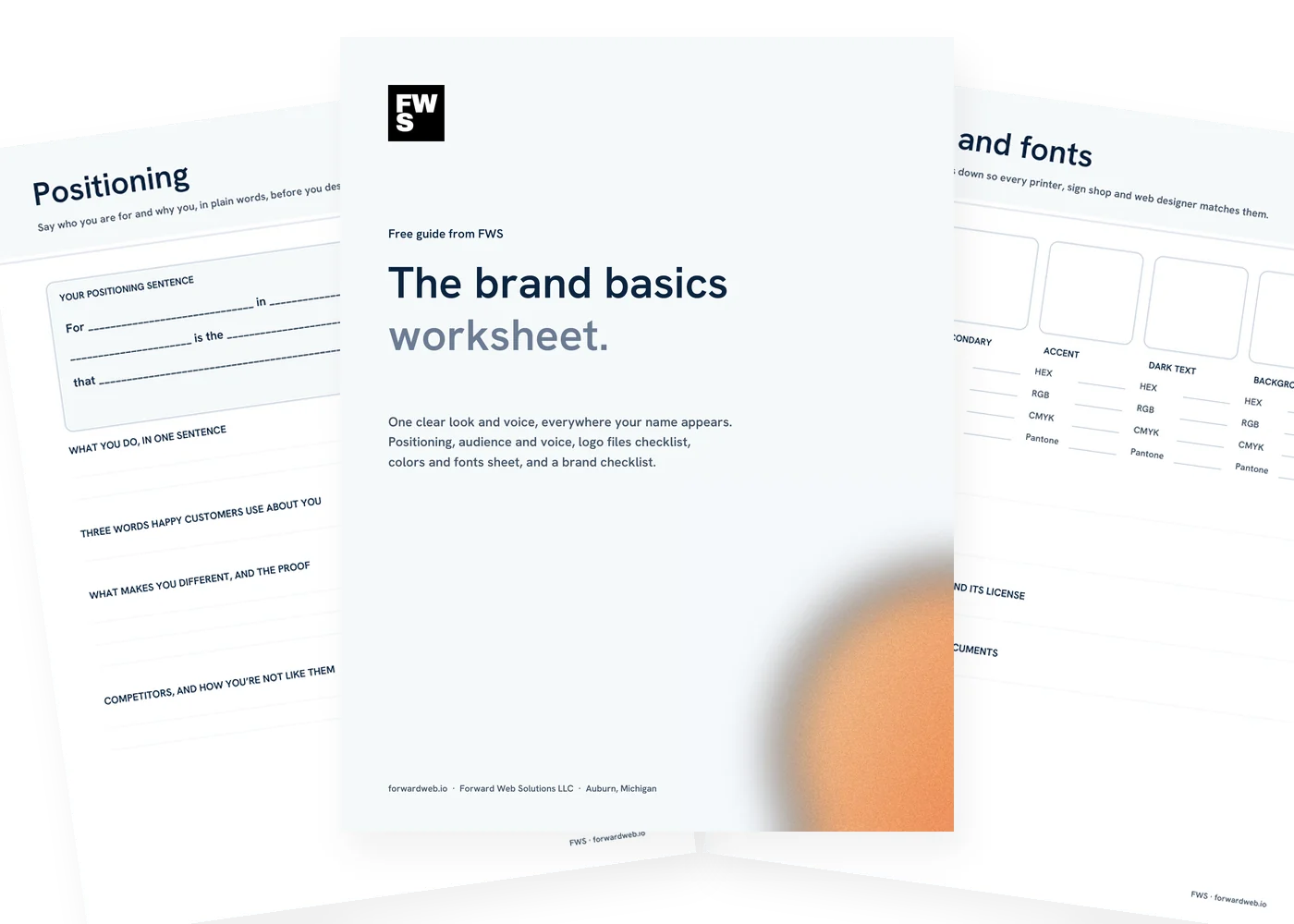
One clear look and voice, everywhere your name appears. A positioning sentence, audience and voice, a logo files checklist, a colors and fonts sheet and a checklist of everywhere your brand shows up, in one printable PDF.
- Useful before a new logo, a refresh or a new website
- Print it or fill it in on a tablet
- Made by a web studio in Auburn, Michigan
Get the free worksheet
We’ll email it to you right away.
* Required
We’ll send the worksheet, a few short emails with tips, then a weekly email with a useful read on the same topic. Unsubscribe anytime. We never sell or share your email. Privacy policy.
This site is protected by reCAPTCHA and the Google Privacy Policy and Terms of Service apply.
What’s inside
Seven pages. The basics, written down once.

Positioning
A fill-in positioning sentence, plus what makes you different and the proof.

Audience and voice
Who your best customer is, what they worry about, and how you want to sound.

Logo files checklist
Every version and format to get from your designer, and where each one is saved.
Colors and fonts
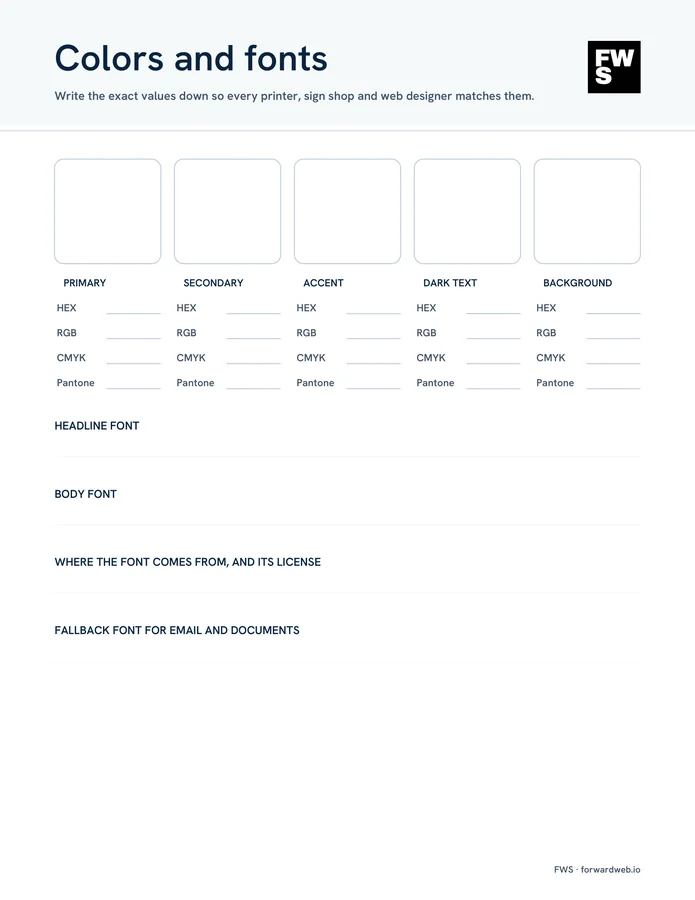
Exact color values for print and screen, your fonts and where their licenses live.

Where your brand appears
Online, in print and in person. Mark anything that still uses the old look.

Help if you want it
Bring the worksheet to a free 20-minute call and we’ll tell you whether you need a refresh or a fresh start.
The worksheet
Brand basics checklist. Decide it once, use it everywhere.
A brand is more than a logo: it’s what you say, how you say it and whether everything with your name on it looks like it belongs together. Here is what the worksheet covers, and why.
1. Positioning
Say who you’re for and why you, before you design anything.
- Write a positioning sentence “For [customers] in [area], [business] is the [what you are] that [the difference].”
- Say what you do in one sentence It becomes your homepage headline and your elevator answer.
- Name what makes you different And the proof: years, reviews, guarantees, photos of real work.
2. Audience and voice
Write for one kind of customer, in a voice that sounds like you.
- Describe your best customer Who they are, what they worry about before they call and where they look.
- Pick your voice “We are friendly, but not jokey. Confident, but not pushy.” Three pairs is plenty.
- Words you use and avoid So your website, ads and staff all sound like the same business.
3. Logo files
Get every file once and keep them where your team can find them.
- Color, one-color and reversed versions For light backgrounds, single-color printing and dark backgrounds.
- Horizontal, stacked and icon-only layouts Different spaces need different shapes.
- Vector files for print and signs SVG, EPS or PDF scale to any size without going blurry.
- Transparent PNGs and a square version For the web, documents, social profiles and the browser tab icon.
- Proof you own it Make sure the final files and the rights are yours once the project is paid.
4. Colors and fonts
Write the exact values down.
- HEX and RGB for screens What your web designer and social graphics need.
- CMYK and Pantone for print What printers and sign shops ask for.
- Headline and body fonts Plus where the font comes from and its license, and a fallback for email.
5. Where your brand appears
Check every place your name shows up.
- Online Website, Google Business Profile, social profiles, email signature, directories and ads.
- In print and in person Cards, invoices, signs, vehicles, uniforms, packaging and menus.
- Fix the old ones first An old logo or phone number on a truck or a listing costs you calls.
Refresh or start over?
Sometimes a logo just needs a cleanup: redrawn lines, a better font, proper file versions. Sometimes the business has outgrown it. If people already recognize your look, a refresh usually keeps that recognition while fixing what’s dated. The worksheet helps you see which one you need before you pay for either.
Brand and website together
Doing your brand and your website at the same time keeps everything consistent from day one. We design logos, print, signs and ads, and build websites to match. See our graphic design and branding service, or plan the site itself with our free website planner.
Before your designer finishes
Logo files checklist. Ask for all of these.
It’s easiest to get every file at the end of the project. Tracking them down years later, from a designer who has moved on, is harder.
- Full-color logo
- One-color version (black)
- Reversed version (white)
- Horizontal and stacked layouts
- Icon or mark on its own
- Vector files: SVG, EPS or PDF
- PNG with a transparent background
- Square version for social profiles
- Written proof you own the files
Common questions
Questions about the worksheet.
Is the worksheet really free?
Yes. Enter your first name and email and we’ll send it right away. No credit card, and no call required.
Who is it for?
Owners of small businesses and nonprofits who are starting out, refreshing an old look, or just want everything to match.
Do I need a designer to use it?
No. Most of it is decisions only you can make. If you work with a designer later, the worksheet gives them a head start.
What logo files should I have?
Color, one-color and reversed versions, in vector formats (SVG, EPS or PDF) for print and signs, and transparent PNGs for the web.
What’s a positioning sentence?
One sentence that says who you serve, where, and what makes you the right choice. It keeps your website, ads and signs saying the same thing.
What emails will I get?
The worksheet right away, then a few short emails with tips, then one short email a week with a useful read on the same topic. Every email has a one-click unsubscribe link, and we never sell or share your address.
Can FWS design my brand?
Yes. Bring the worksheet to a free 20-minute call. See our graphic design and branding service.
Want help with your brand?
You decide what it says. We can design it.
Bring your worksheet to a free 20-minute call. We’ll tell you whether you need a refresh or a fresh start, and what it takes. No pressure, no jargon.