Free local SEO checklist · 7-page PDF
Free local SEO checklist for small businesses.
Get found by customers nearby, one step at a time. A Google Business Profile checklist, a reviews plan, a citation tracker, a service and town page planner and a monthly tracking sheet, in one printable PDF.
- Made for businesses that serve a local area
- Print it or fill it in on a tablet
- Made by a web studio in Auburn, Michigan
Get the free checklist
We’ll email it to you right away.
* Required
We’ll send the checklist, a few short emails with tips, then a weekly email with a useful read on the same topic. Unsubscribe anytime. We never sell or share your email. Privacy policy.
This site is protected by reCAPTCHA and the Google Privacy Policy and Terms of Service apply.
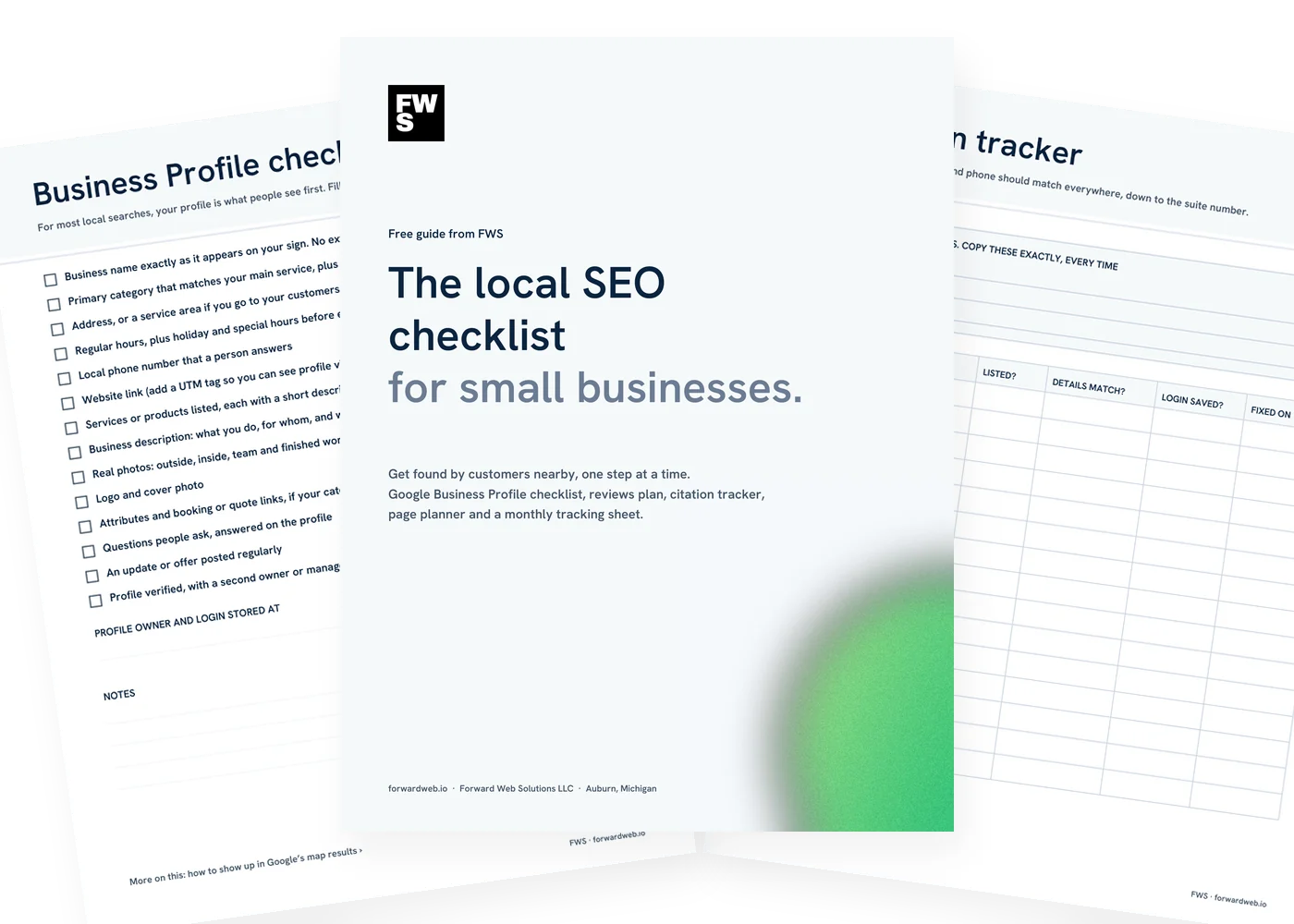
What’s inside
Seven pages. Everything to fill in, fix and track.

Business Profile checklist
Every field on your Google Business Profile worth filling in, plus where the login lives.

Reviews plan
A simple habit for asking, plus a tracker for who you asked and whether you replied.
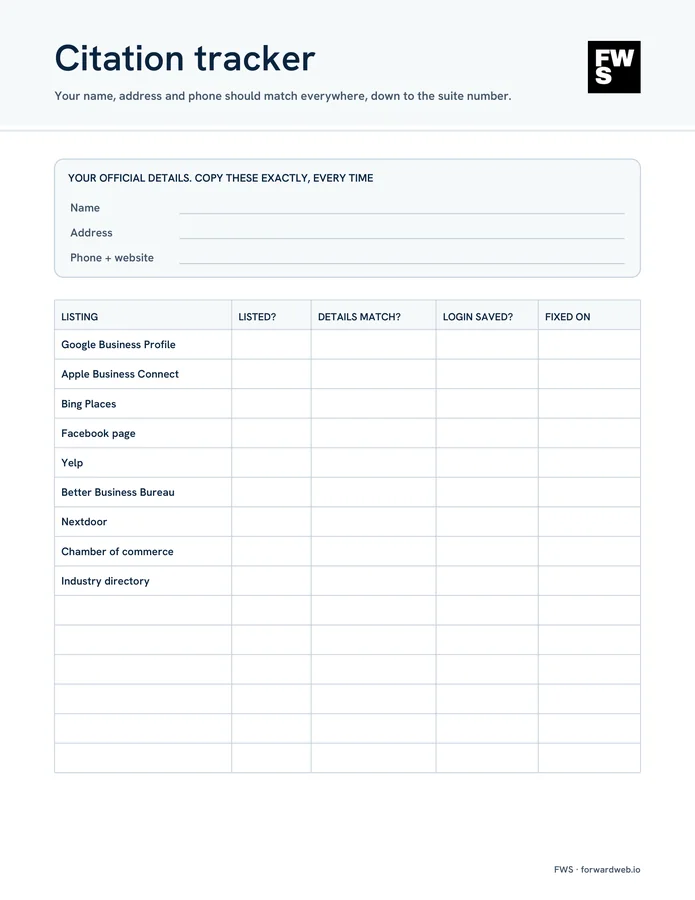
Citation tracker
Your official name, address and phone, and a list of the listings to check against it.

Service and town pages
Plan one page per service and per town, with the search phrase and a local detail for each.

Monthly tracking sheet
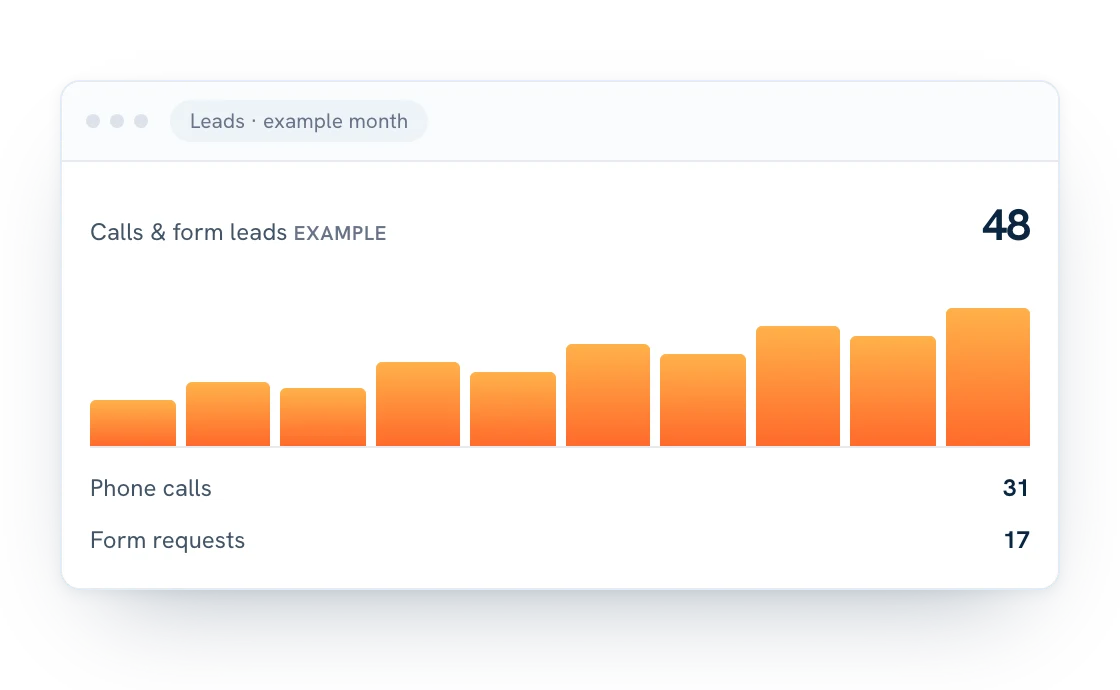
Calls, website clicks, direction requests and reviews, written down once a month.
Help if you want it
Bring the checklist to a free 20-minute call and we’ll tell you what to fix first.
The checklist
Local SEO checklist. Five areas, in order.
Start at the top. The Business Profile and reviews usually move fastest; pages and listings build up over time. Here is every item on the checklist and why it’s there.
1. Google Business Profile
For most local searches, your profile is what people see first.
- Business name exactly as it appears on your sign Adding keywords to the name breaks Google’s guidelines and can get a profile suspended.
- The right primary category Pick the category that matches your main service. Add secondary categories only where they’re true.
- Address or service area Show your address if customers come to you. Use a service area if you go to them.
- Hours, including holiday hours Wrong hours send people to a locked door. Update special hours before each holiday.
- Services, description and photos Say what you do, for whom and where, and add real photos of your work, team and place.
- Posts and questions Post updates or offers regularly and answer the questions people ask on your profile.
2. Reviews
Reviews help you rank and help people choose you.
- Save your review link Get the direct link from your Business Profile so asking takes seconds.
- Ask at the right moment Ask when the customer is happiest, then send the link the same day.
- Reply to every review Thank people for good ones. For bad ones, stay calm, be specific and offer to make it right.
- Never buy reviews Paying or offering discounts for reviews breaks Google’s rules and isn’t worth the risk.
3. Name, address and phone
Your details should match everywhere, down to the suite number.
- Write down your official details One version of your name, address and phone. Copy it exactly every time.
- Check the main listings Google, Apple Business Connect, Bing Places, Facebook, Yelp, the Better Business Bureau and Nextdoor.
- Check local and industry directories Your chamber of commerce and the directories in your trade.
- Fix old addresses and phone numbers Moved or changed numbers? Old listings confuse customers and search engines.
4. Service and town pages
Give Google a page to show for each thing you want to be found for.
- One page per main service People search for the specific thing, so a page about exactly that is how you show up.
- A page for each town you want to win Only if it says something genuinely useful about working there: jobs, photos, reviews.
- A search phrase per page Use it in the page title and first heading, written for people first.
- A clear next step Your phone number and a call to action near the top of every page.
5. Tracking
Write the numbers down monthly so you can see the trend.
- Business Profile performance Calls, website clicks and direction requests from your profile.
- Google Search Console Which searches show your website, and which pages they land on.
- Google Analytics Visits and form submissions, and which sources they come from.
- One thing to work on next month Pick one area, do it well, then check the numbers again.
How Google picks the map results
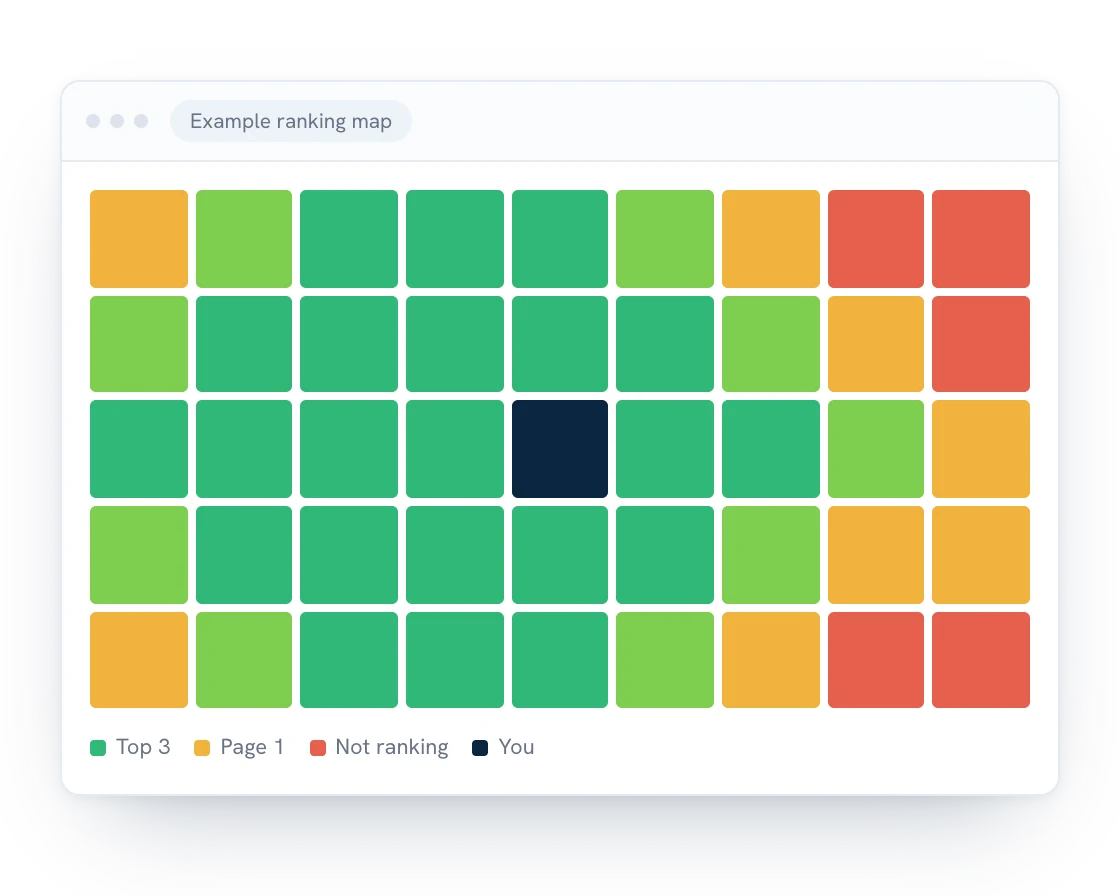
Google says local results are based mainly on three things: relevance (how well your profile matches the search), distance (how far you are from the person searching or the place they named) and prominence (how well known your business is, including reviews, links and listings). You can’t move your building, but you can work on the other two. Google’s own tips for improving your local ranking are worth a read.
We go deeper in how to show up in Google’s map results.
Want the longer version?
Our article Local SEO checklist: 7 steps to get found by nearby customers walks through each step with examples. This PDF is the working copy: the forms and trackers you fill in as you go.
Not sure where to start? Fix your Business Profile first, then make asking for reviews a habit. Those two usually show results fastest.
Where to list your business
Listings to check first. Same details on every one.
Your name, address and phone should read the same everywhere. Start with these, then add the directories in your trade. If you’d rather hand it off, see our local SEO service.
- Google Business Profile
- Apple Business Connect
- Bing Places for Business
- Facebook page
- Yelp
- Better Business Bureau
- Nextdoor
- Your chamber of commerce
- Directories in your industry
Common questions
Questions about the checklist.
Is the checklist really free?
Yes. Enter your first name and email and we’ll send it right away. No credit card, and no call required.
Who is it for?
Owners of businesses that serve customers in a local area: trades, shops, restaurants, offices and nonprofits. It works whether you do the work yourself or hand it to someone.
How long does local SEO take?
Business Profile fixes and new reviews can move map rankings within weeks. Website rankings usually take a few months. The tracking sheet helps you see the trend instead of guessing.
Do I need a website for local SEO?
Your Business Profile can show up without one, but a website with a page for each service gives Google more to work with and gives customers a reason to call you instead of the next listing.
Can you guarantee first place on Google?
No, and be careful with anyone who does. Google decides rankings. The checklist covers the work that tends to move them.
What emails will I get?
The checklist right away, then a few short emails with tips, then one short email a week with a useful read on the same topic. Every email has a one-click unsubscribe link, and we never sell or share your address.
Can FWS do this for me?
Yes. Bring the checklist to a free 20-minute call and we’ll tell you what to fix first. See our local SEO service.
Want help getting found?
You do the checklist. Or we can do it with you.
Bring your checklist to a free 20-minute call. We’ll look at your Business Profile and site and tell you what to fix first. No pressure, no jargon.