
If you run a local business, like a contractor, clinic, restaurant, or service provider, most of your customers are searching for you (or businesses like you) nearby. They’re often on their phone, and often ready to buy. The businesses that show up first in local search results and on Google Maps capture most of that traffic. This local SEO checklist walks through how to get there.
If you’re new to how Google picks the three businesses in the map, start with our guide, How to show up in Google’s map results. This post is the to-do list that goes with it, including the steps most businesses skip.
1. Claim and optimize your Google Business Profile
This is the single highest-impact step for local visibility. Make sure your business name, address, phone number, hours, and categories are accurate and complete. Add photos, respond to reviews, and post updates regularly. Google rewards active, complete profiles.

Once the basics are done, these are the details that separate a complete profile from a bare one:
- Secondary categories. Your primary category matters most, but adding accurate secondary categories helps you show up for related searches.
- Services and products. List each one with a short description. These give Google more to match against what people search for.
- A plain-language description. Say what you do and where you do it, the way a customer would put it.
- Booking or quote links. If customers can book or request a quote online, link straight to that page.
- A trackable website link. Add a tracking tag to the website link on your profile so your analytics can show how many visitors come from Google Maps.
2. Get consistent local citations
Your business name, address, and phone number should match exactly across your website, directories, and social profiles. Inconsistencies confuse search engines and can hurt your rankings.
Pick one exact format, including details like “Suite” versus “Ste.”, and use it everywhere. Then work through your listings in this order:
- The major platforms: Apple Business Connect (which feeds Apple Maps and Siri), Bing Places, Facebook, Yelp, and the Better Business Bureau.
- Industry directories: for example, Angi or Houzz for contractors, Healthgrades for clinics, or OpenTable and Tripadvisor for restaurants.
- Local listings: your chamber of commerce, business associations, and community directories.
If you’ve moved or changed phone numbers, hunt down the old listings first. Outdated information is the most common problem we find.
3. Collect and respond to reviews
Reviews influence both rankings and customer trust. Ask satisfied customers to leave a review, and respond to all reviews, good and bad, professionally.

The businesses with the most reviews usually aren’t luckier. They have a system:
- Ask at the right moment. Right after a finished job or a great visit, when the customer is happiest.
- Make it one tap. Text or email your direct review link, and put a QR code on receipts, invoices, or the counter.
- Ask everyone. Don’t screen customers first and only send happy ones to Google. That’s called review gating, and it’s against Google’s policies.
- Reply within a few days. For negative reviews, thank the person, keep it short, and offer to resolve it offline. Never share private details. That goes double for healthcare providers.
4. Build location-specific content
If you serve multiple towns or regions, a dedicated page for each service area, rather than one generic page, helps you show up for more localized searches.
The key is making each page actually local. Mention projects you’ve completed in that town, include testimonials from customers there, and cover anything specific to the area, like neighborhoods you serve or local permit requirements. Pages that are copied and pasted with only the town name swapped don’t help, and Google treats them as low-quality “doorway pages.”
5. Make sure your website itself is optimized
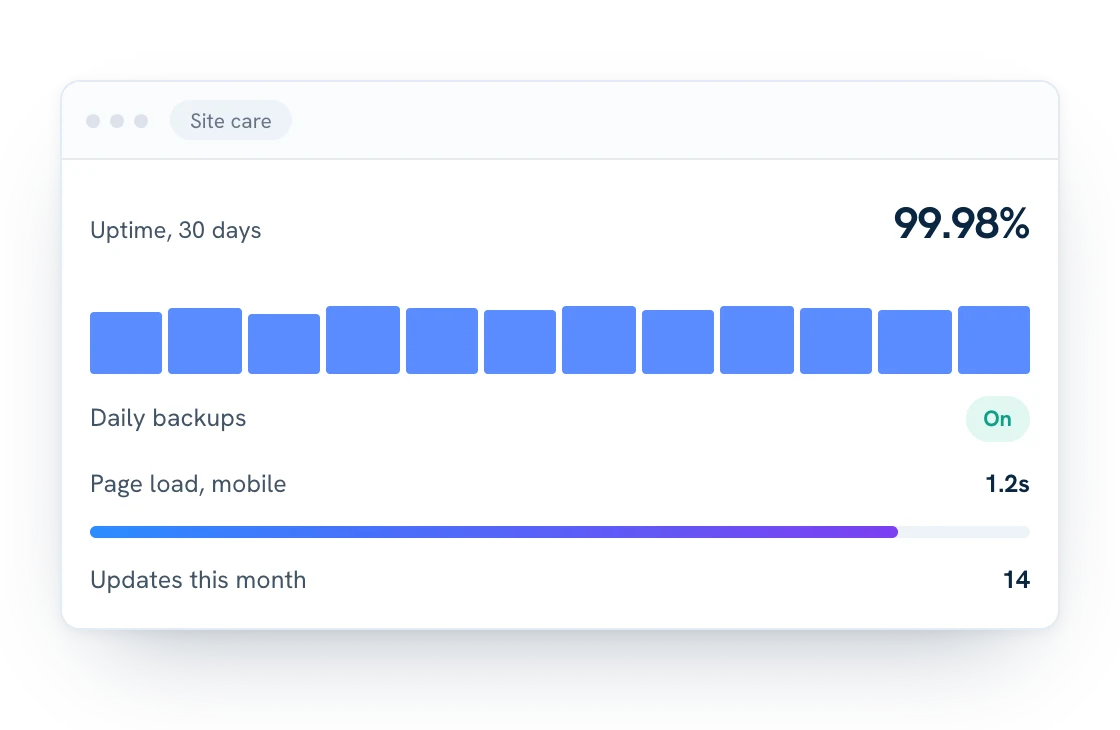
Local SEO isn’t just about your Google listing. Your website needs fast load times, a mobile-friendly design, and clear service pages with the right keywords to convert the traffic you earn. Check that your site has:
- Your name, address, and phone in the footer, matching your Business Profile exactly.
- A tap-to-call phone number on mobile.
- One page for each main service, with page titles like “Roof Repair in Bay City.”
- Local business schema markup, a behind-the-scenes code that tells search engines your hours, location, and contact details.
- A map and directions on your contact page.
- Fast load times on phones. Google’s free PageSpeed Insights tool will show you where you stand.
6. Earn local links and mentions
Google looks at how well known your business is in the community. Links and mentions from other local websites are one of the strongest signals, and many of them come from things you may already be doing:
- Sponsoring a youth team, school event, or community fundraiser.
- Joining your chamber of commerce or a local business association.
- Sharing news, like an expansion, anniversary, or community project, with local media.
- Partnering with businesses you already refer customers to.
7. Track and adjust
Local search is competitive and constantly shifting. Ongoing monitoring and adjustments, not a one-time setup, are what keep a business ranking well over time. Check these numbers every month:
- Business Profile performance: calls, direction requests, and website clicks.
- Google Search Console: which local searches your website shows up for.
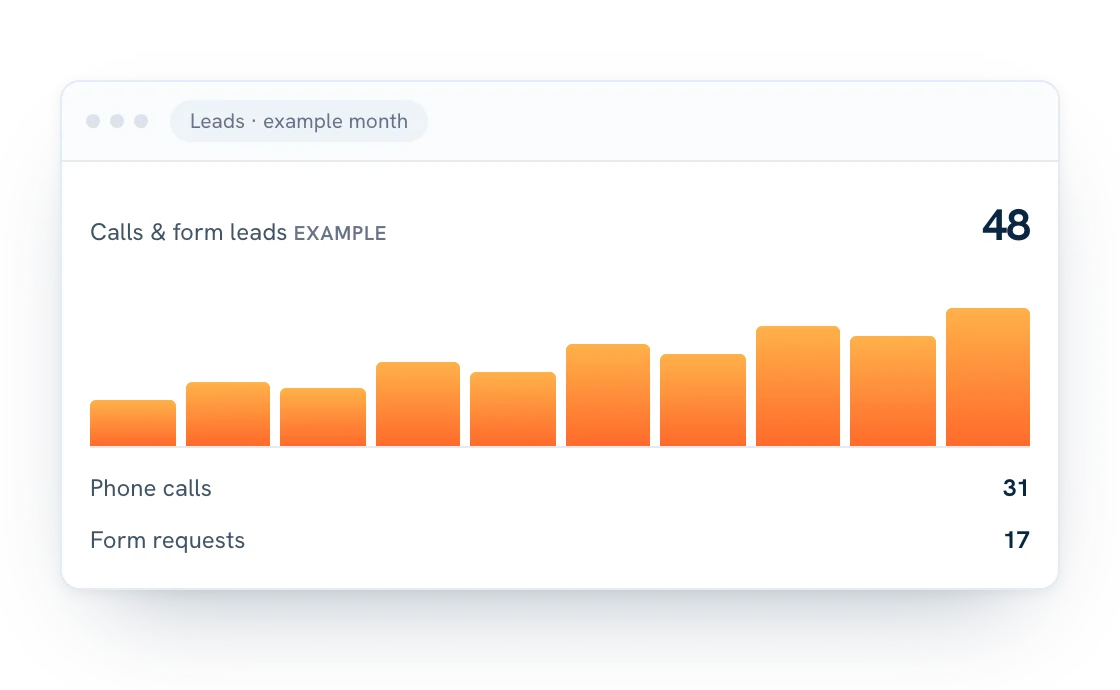
- Leads: phone calls and form submissions, and where they came from.
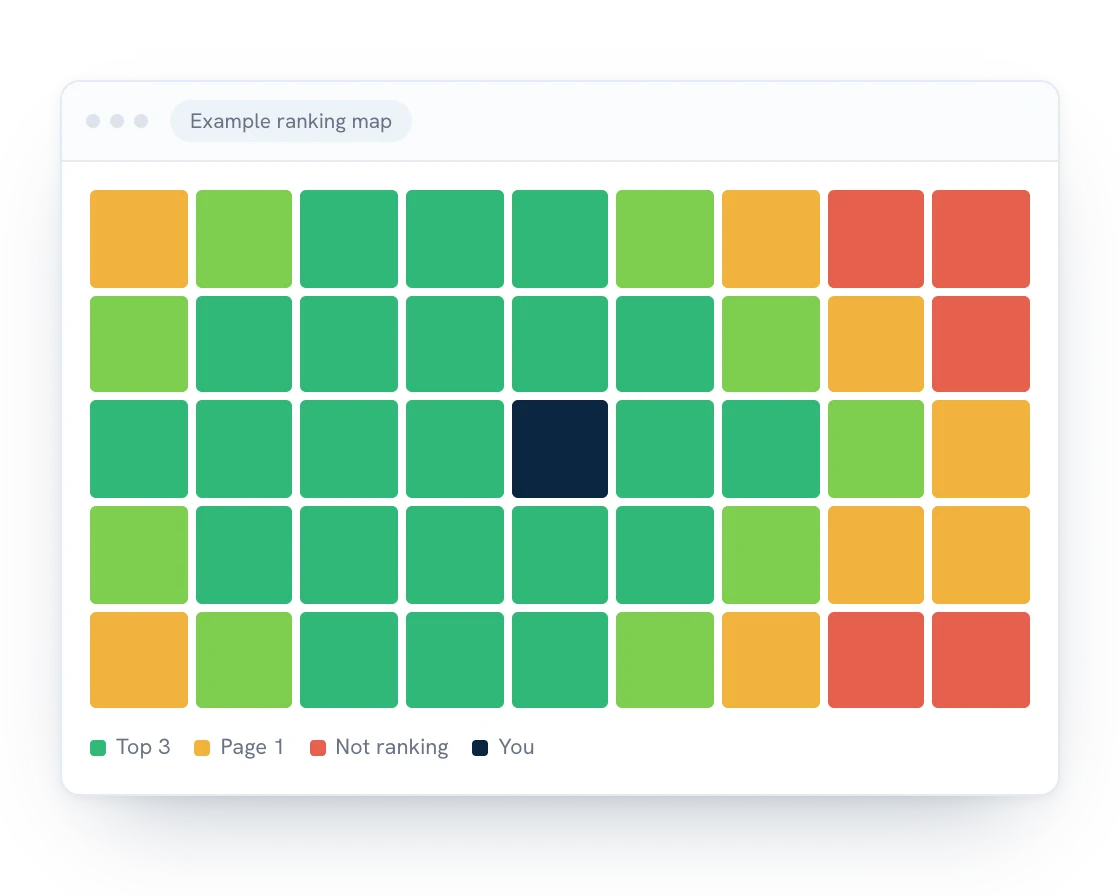
- Rankings across your service area: you may rank first near your office and nowhere across town. Checking from multiple points shows you where to focus.
Where Google Ads fit in
Local SEO builds over time. Business Profile improvements can show results within weeks, while website rankings usually take a few months. Google Ads can put you at the top of search results right away, which makes them a useful way to bring in calls while your organic rankings grow. For a closer look at the tradeoffs, see Google Ads or SEO: where should a local business start?
How we help
Local SEO takes consistent effort, but it’s one of the highest-return investments a small business can make. Forward Web Solutions offers Google Business Profile setup and optimization, local SEO management, and ongoing Google Ads campaign management to help you show up where your customers are already looking. We work with businesses across mid-Michigan, and every month we show you a ranking map of where you’re winning across your service area and where there’s room to grow.
Want help working through this local SEO checklist? Get a free quote.