Free accessibility checklist · 6-page PDF
Free website and PDF accessibility checklist for townships, schools and businesses.
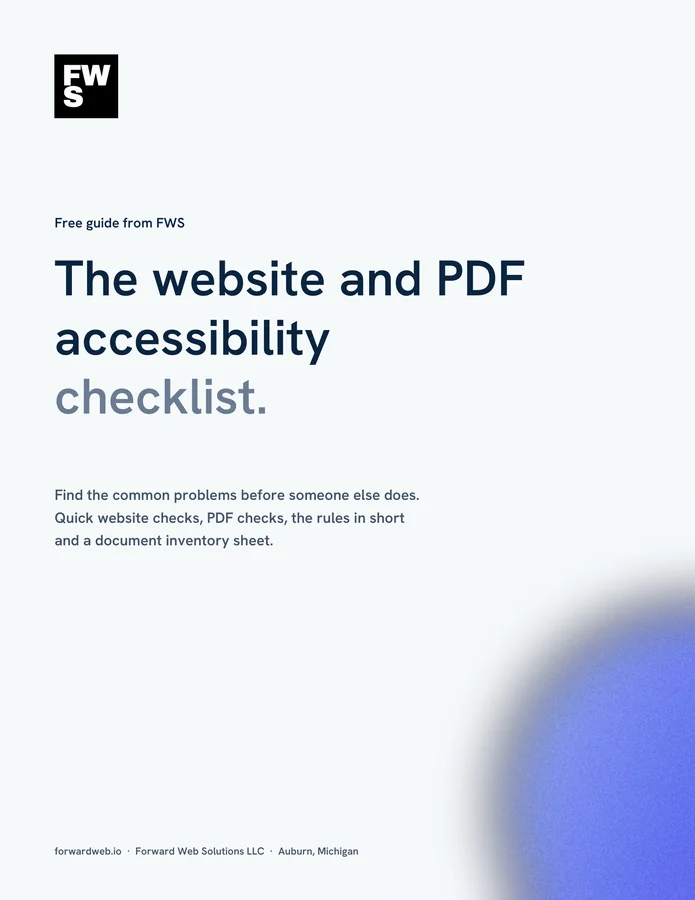
Find the common problems before someone else does. Quick checks for your website, checks for the PDFs you post, the rules in short and a document inventory sheet, in one printable PDF.
- Based on WCAG 2.1 Level AA
- Covers the PDFs most organizations forget
- Made by a web studio that works with ADAComply on PDF remediation
Get the free checklist
We’ll email it to you right away.
* Required
We’ll send the checklist, a few short emails with tips, then a weekly email with a useful read on the same topic. Unsubscribe anytime. We never sell or share your email. Privacy policy.
This site is protected by reCAPTCHA and the Google Privacy Policy and Terms of Service apply.
What’s inside
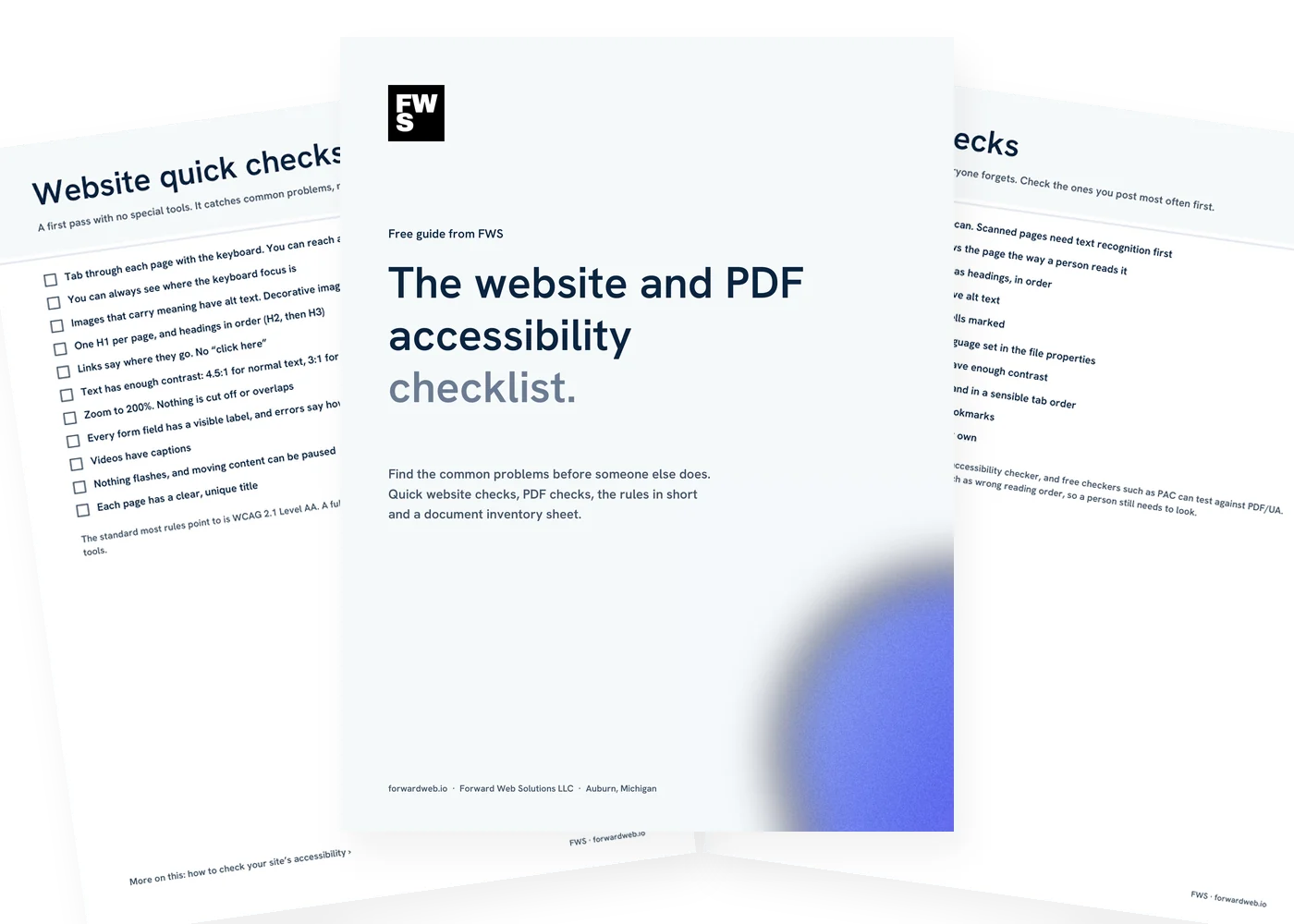
Six pages. Check, prioritize, fix.
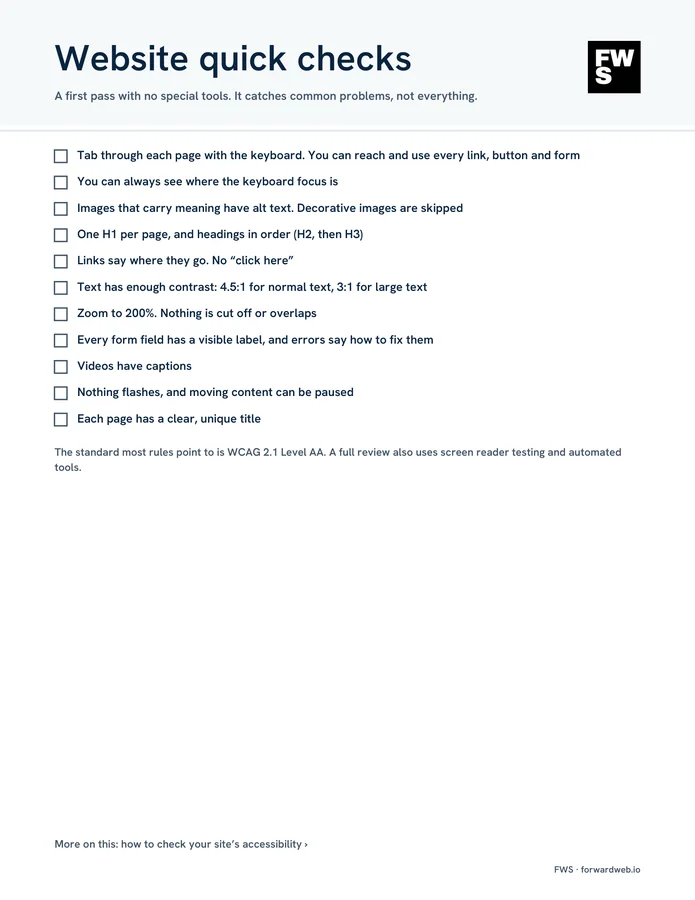
Website quick checks
Eleven checks you can do with a keyboard and a browser, no special tools.

PDF checks
Tags, reading order, headings, alt text, tables, forms and file properties.

What the rules say
The ADA Title II web rule and its current dates, and where businesses stand under Title III.

Document inventory
List what’s posted, then decide: fix it, replace it with a web page, or take it down.
Print or fill in on a tablet
A standard letter-size PDF. Print it, or write on it in any PDF app that supports notes.

Help if you want it
Send us a few sample documents and we’ll come back with a timeline and a price.
The checklist
Website and PDF accessibility checklist. Quick checks first.
These checks catch common problems. They aren’t a full audit, which also uses screen reader testing and automated tools, but they show you where you stand and what to fix first.
Website quick checks
A keyboard and a browser are all you need.
- Tab through every page You should be able to reach and use every link, button and form without a mouse, and always see where you are.
- Alt text on meaningful images Describe what the image shows or does. Decorative images should be skipped by screen readers.
- Headings in order One H1 per page, then H2s and H3s in order. Screen reader users navigate by headings.
- Links that say where they go “Read the meeting minutes,” not “click here.”
- Enough color contrast WCAG AA asks for 4.5:1 for normal text and 3:1 for large text.
- Zoom to 200% Nothing should be cut off or overlap.
- Labeled forms and helpful errors Every field needs a visible label, and errors should say how to fix them.
- Captions on video And nothing that flashes. Moving content should be possible to pause.
PDF checks
PDFs are the part everyone forgets.
- Tagged, not scanned A scanned page is a picture of text. It needs text recognition and tagging before it can be read aloud.
- Reading order Screen readers follow the tags, which should match the order a person reads the page.
- Headings, lists and tables tagged Tables need header cells marked so each value makes sense.
- Alt text on images and charts The same rule as the website.
- Title and language set In the document properties, so assistive technology announces it correctly.
- Forms labeled, long documents bookmarked Fillable fields need labels and a sensible tab order.
What the rules say
State and local governments. In April 2024 the U.S. Department of Justice published a rule under Title II of the ADA requiring state and local government web content and mobile apps to meet WCAG 2.1 Level AA. That includes townships, cities, counties, public schools and libraries, and the PDFs they post. In April 2026 the DOJ extended the compliance dates: April 26, 2027 for public entities serving 50,000 people or more, and April 26, 2028 for smaller public entities and special district governments.
Businesses. Title III of the ADA covers businesses open to the public, and courts have applied it to websites. The regulations don’t name a technical standard for businesses, but WCAG is the usual benchmark.
Dates and details can change, so check the DOJ’s fact sheet on the web rule. Our plain-English overview: what ADA compliance means for your website and PDFs.
Where to start with documents
Most organizations have more PDFs than they think. Start with an inventory: what’s posted, where, and whether it’s still needed. Some documents can come down. Some are better as a web page. The rest need to be fixed, starting with the ones people use most, like agendas, minutes, forms and newsletters.
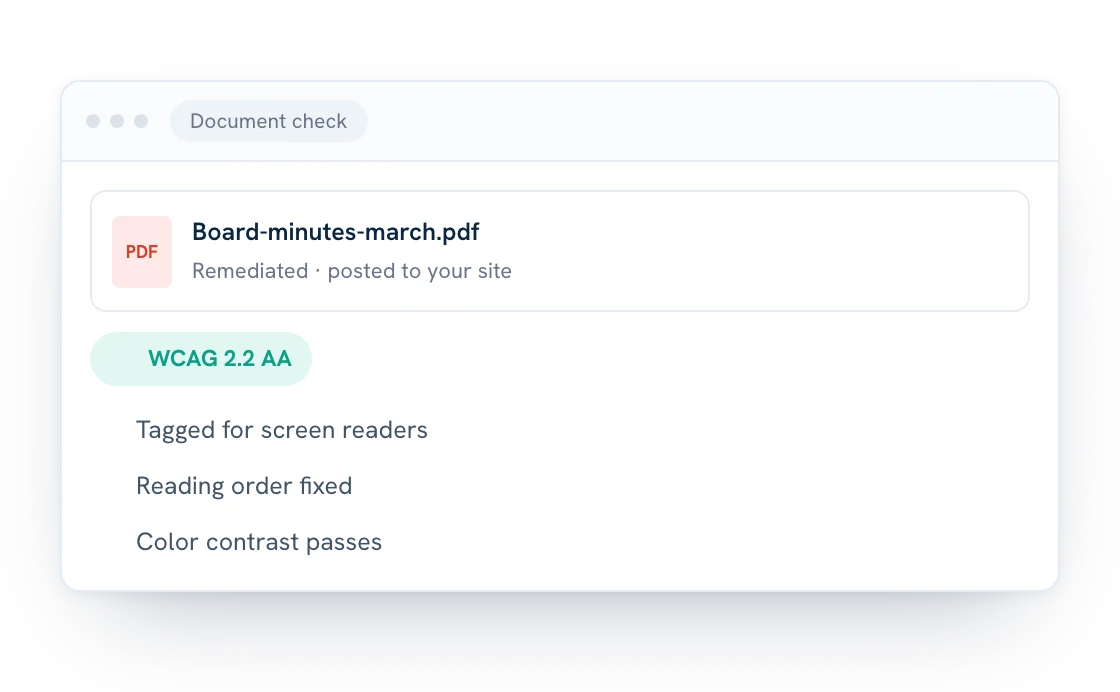
We handle PDF remediation through our partner ADAComply, and if we host your site, remediated PDFs post to it automatically. For a quick look at your website, see how to check your site’s accessibility.
Before you post a PDF
PDF accessibility checklist. Every document, every time.
Fixing a document before it goes up is far easier than fixing hundreds later. Run through these each time.
- Tagged PDF, not a scan
- Reading order checked
- Headings tagged in order
- Alt text on images and charts
- Table header cells marked
- Title and language set
- Enough color contrast
- Form fields labeled
- Bookmarks on long documents
- Checked with an accessibility checker
Common questions
Questions about the checklist.
Is the checklist really free?
Yes. Enter your first name and email and we’ll send it right away. No credit card, and no call required.
Who is it for?
Townships, school districts, libraries, churches, nonprofits and businesses that post web pages and PDFs for the public.
What standard does it use?
WCAG 2.1 Level AA, the standard named in the Department of Justice’s 2024 Title II web rule. Many businesses aim for the newer WCAG 2.2 AA, which builds on it.
When do public entities have to comply?
Under the DOJ’s April 2026 extension: April 26, 2027 for public entities serving 50,000 people or more, and April 26, 2028 for smaller ones and special district governments. Check the DOJ fact sheet for current details.
Will this checklist make my site compliant?
No checklist can promise that. These checks find common problems and help you prioritize. A full review also uses screen reader testing and automated tools.
Do accessibility overlay widgets fix the problem?
No. Overlays change how a page looks on the surface but don’t fix the underlying code or your PDFs.
What emails will I get?
The checklist right away, then a few short emails with tips, then one short email a week with a useful read on the same topic. Every email has a one-click unsubscribe link, and we never sell or share your address.
Can FWS fix our PDFs?
Yes, through our partner ADAComply. Send a few samples and we’ll come back with a timeline and a price. See PDF remediation.
Want help with accessibility?
You find the problems. We can help fix them.
Send us a few sample documents and we’ll come back with a timeline and a price for remediation. Or call to talk about your website. No pressure, no jargon.